How to Sync Your iCloud, Google, and Outlook Calendars to a Wall Display
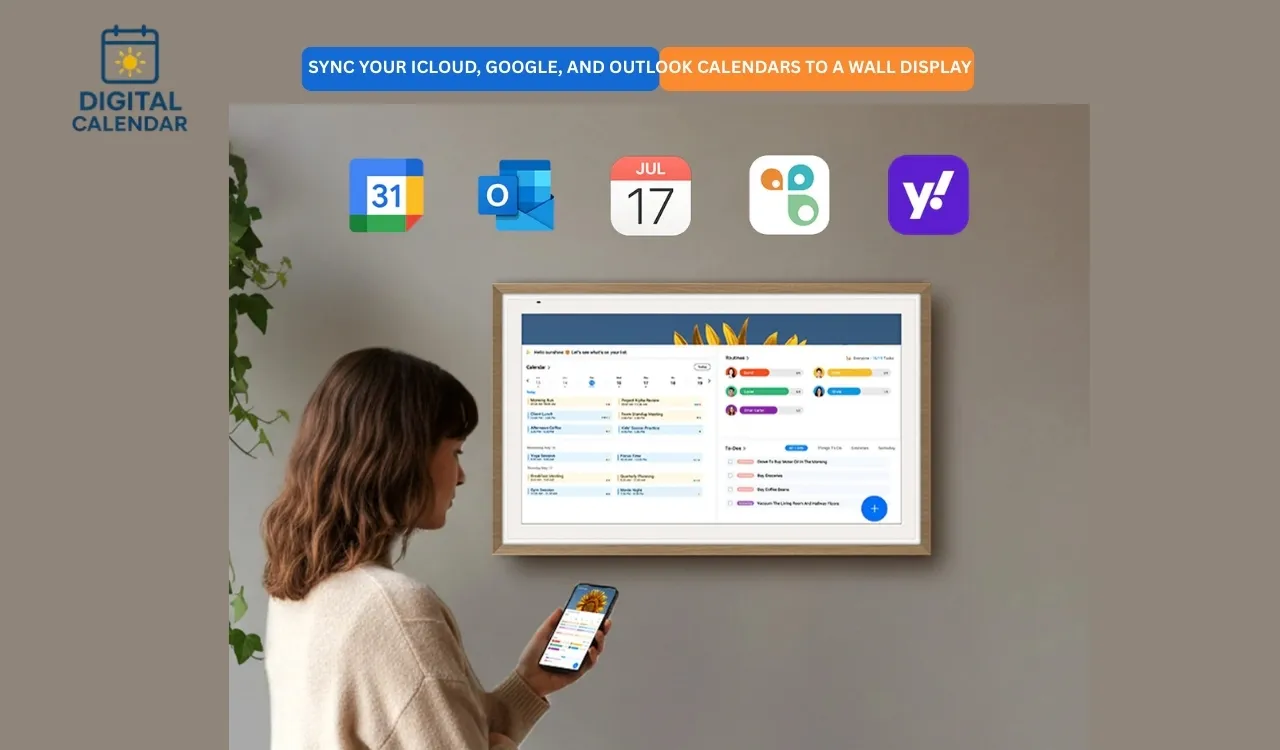
Learn how to sync iCloud, Google, and Outlook calendars to a wall display for real-time schedules, reminders, and seamless family or office planning.
When I started to have too many calendars and schedules, I chose to synchronize my iCloud, Google and Outlook accounts with a wall screen. My phone indicated one set of events, my laptop indicated another and family plans resided in a different place altogether. Notable updates were sometimes missed just due to the fact that they were interspersed among apps. I desired one common ground where it all was. An online wall calendar seemed like an appropriate answer. The idea was to have one screen and one source of truth. The said decision has transformed my time management in a different way at home.
After I linked all of my digital calendars to the wall, I was able to plan each day better. People did not have to inquire as to what was going on. Conflicts could be observed immediately. Automatic synchronization of updates on my phone. Wall calendar ceased to be a form of decoration, rather it became a command center. It was important to know how to coordinate these platforms. It is not hard as it seems when you are familiar with the process.
Amazon Affiliate Disclaimer
https://digicalendars.com participates in the Amazon Services LLC Associates Program, an affiliate advertising program designed to provide a means for websites to earn fees by linking to Amazon.com and other affiliated sites. As an Amazon Associate, we earn from qualifying purchases made through the links on our website. This does not affect the price you pay your support simply helps us maintain the site and continue offering honest, valuable reviews and recommendations.
An Overview of Calendar Apps
I found out that it is crucial to learn the calendar apps themselves before they are synchronized. A combination of platforms is used by most of us. They all play various functions in day to day life. It is the fragmentation that is the key issue that is solved by wall displays. Being aware of the behavior of each is useful in avoiding confusion in future.
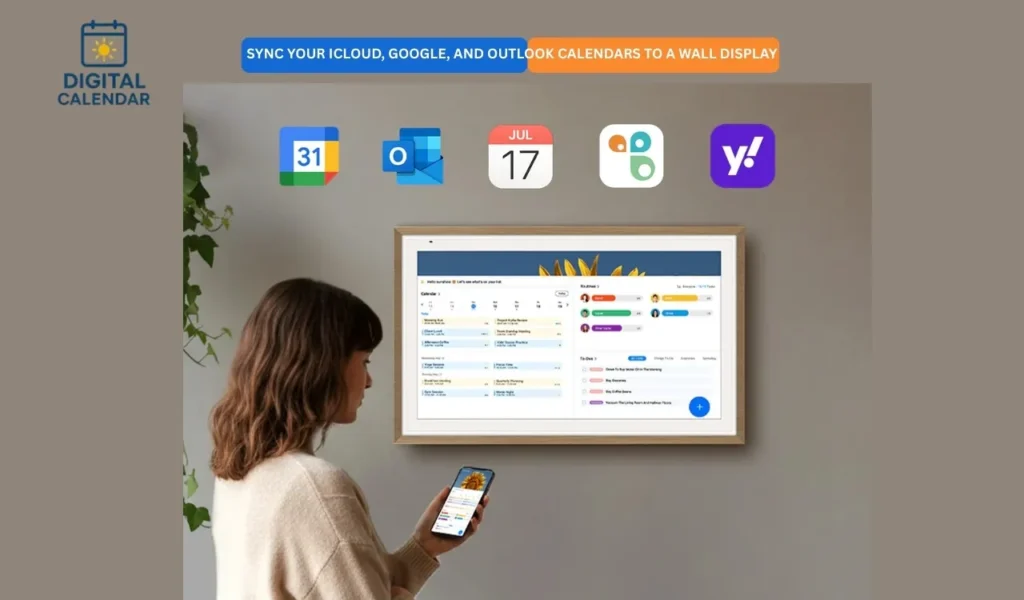
Google Calendar prevails personal and cross-platform scheduling. Outlook is fully integrated into the workplace and corporate world. iCloud Calendar is most effective within the Apple ecosystem. Yahoo and Cozi serve the legacy users and families niche. It takes a clever bridge to bring all them together. And this is where a digital wall calendar would be necessary.
Best Digital Calendars
How Google, Outlook, and iCloud Differ
Google Calendar is seeming to be stretchy and generic. I apply and use it in personal planning and joint events. It is compatible with Gmail and Maps. Immediacy helps in updating devices. This gives it perfection in the Android and web platform in the homes.
Outlook Calendar is more work and business oriented. It is good in dealing with meetings, invites and corporate schedules. Nonetheless, it may be stiff beyond the work setting. iCloud Calendar is smooth with iPhone and Mac users but less open. Learning about these differences taught me to make the sync process realistically.
How to Use Digital Calendar’s Features – Complete Guide
How to Use Digital Calendar’s Features 2 – Complete Guide
Why Synchronization Matters on a Wall Display
An online wall calendar can only be effective when it is kept up-to-date. It is rendered useless sooner than without synchronization. I required real-time information of every device. The changes in the workplace were required to be reflected at home immediately. This helped avoid communication breakdown.
Mental load was also minimized by synchronization. I did not memorize several schedules anymore. It was the responsibility of the wall display. Children and relatives verified it themselves. This freedom transformed day to day living. The ability to synchronize the wall display made the wall display become a real collective planner.
Best Digital Picture Frames
Using a Digital Calendar as the Central Hub
I had to have a central system to consolidate all the calendars. A smart wall is an interface that is that hub. It extracts information across various platforms and presents them alongside each other. This brings about clarity immediately. Conflicts become obvious.
This is the reason why the ApoloSign digital calendar is made. It has a dual-mode system which enables the co-existence of several calendar services. I do not have to alternate apps, but I still look at a single screen. It is the centralization of the wall calendars.
Digital Calendars
How the ApoloSign Calendar Handles Syncing
ApoloSign online calendar is based on a mobile companion application. Heavy lifting is done in the phone, but not in the wall screen. This keeps setup simple. I was linked to accounts safely using the app. The wall board was automatically updated.
The calendar is compatible with various sizes and resolutions, such as big 4K monitors. Accounts can be linked and syncing is performed silently. It does not need any daily maintenance. It is a smooth design that maintains the experience. The system operates automatically and leaves the display clean and readable.
How to Sync iCloud Calendar
The process of syncing iCloud requires a little bit of care due to the security model by Apple. Apple applies two-factor authentication, which prohibits normal passwords. I was required to come up with an app-specific password. This additional measure will be taken in the name of safety.
Steps I followed for iCloud syncing:
- Open the ApoloSign mobile app
- Go to account or calendar settings
- Select iCloud from the provider list
- Generate an app-specific password in Apple ID
- Enter the password or use a public calendar URL
Once completed, events appeared on the wall display. Updates synced smoothly afterward. The setup felt secure and reliable.
How to Sync Outlook Calendar
Syncing of outlook was simpler but had to be given permission. I used the secure portal of Microsoft to enable log in. The application was asking permission to read calendar information. The full functionality was to be granted.
I also chose the sub-calendars to show on the outlook. This avoided clutter. Meetings in the workplace were presented well without the inclusion of irrelevant information. After syncing, updates were displayed fast. The outlook events fitted well with other wall calendar.
How to Sync Google Calendar
The most convenient experience was in Google Calendar. Authentication was quick and user friendly. I merely swore in and authorized entry. The process was facilitated by open API in Google. There was nearly real-time syncing of events.
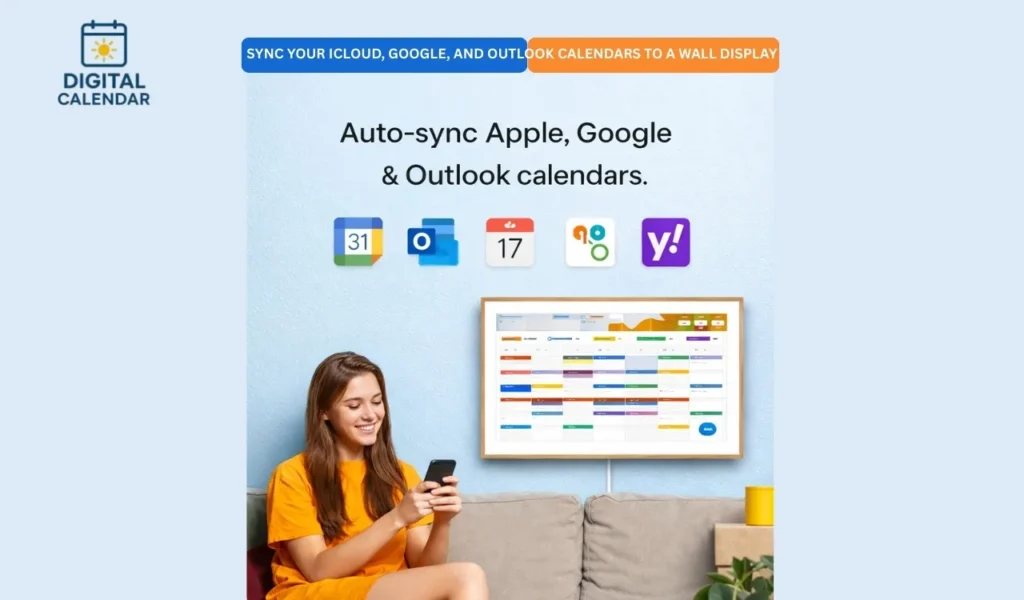
There were cases when two-way syncing existed. I would be able to add my events directly on the wall display. These updates were reflected on my phone. This feature felt powerful. It made the wall calendar active and not inactive as a display.
Benefits of a Fully Synced Wall Calendar
The advantages were clear when all the links were made. A full image of everyday life was presented on the wall. No app switching was needed. All of them remained on track by default.
Key benefits I experienced include:
- Real-time updates from all devices
- One shared source of truth
- Fewer verbal reminders
- Clear visibility of conflicts
- Better family coordination
These advantages made daily life calmer. Syncing transformed the wall calendar into a true household tool.
Common Syncing Issues and How I Avoided Them
Permission or internet connectivity caused most of the problems. Stable Wi-Fi ensured a lot of problems. The permissions of the checking accounts avoided check bouncing. I was taught to overview settings at times.
In case of non-updating, a refresh of the app normally solved the problem. Syncing systems are effective and not magic. Consciousness served to keep trust. The system did not require much attention once it became stable.
Making the Wall Display Part of Daily Life
Once installed the wall calendar became part of day-to-day life. I ceased contemplating coordinating. It just worked. It was checked by everyone automatically. Planning was visual, rather than verbal.
Wall calendars are useful because of this integration. They eliminate friction in the scheduling. The exhibition became a part of the surrounding. That smooth existence made a difference in the way we strategize.
FAQs: sync iCloud, Google, and Outlook calendars to a wall display
Conclusion
In my case, iCloud, Google, and Outlook calendars have been synced to a wall display, and this is a game changer. It will turn divided schedules into a single overview. Synchronization is safe and sound with the proper arrangement. The wall calendar is transformed into a common operation center. Loss of the mental load, improvement of communication, and effortless planning all occur.
An ecosystem-spanning solution such as the ApoloSign digital calendar is used to bridge the gap across ecosystems. One screen can accommodate Apple, Google, and Microsoft. That harmony is powerful. It takes minutes of setup to bring clarity to the families and households in the long term. It is the way contemporary scheduling is supposed to be.
Fore more information about Digital Calendars and Picture Frames ,then hit the button.