How to Unbox 15 inch Skylight Calendar?
How to unbox 15 inch Skylight Calendar easily. Quick setup, countertop or wall mount, and smart family scheduling for organized daily life.
The thrill of opening up new technology can never be compared to anything, particularly when this new technology is created to simplify your day-to-day life and make it look more beautiful. 15 Skylight Calendar is not merely a digital planner but it is also a smart family hub that injects sanity, communication and convenience directly into your home. Be it school schedules, meal plans or family gatherings, this sleek show changes the manner in which families remain in touch with each other.
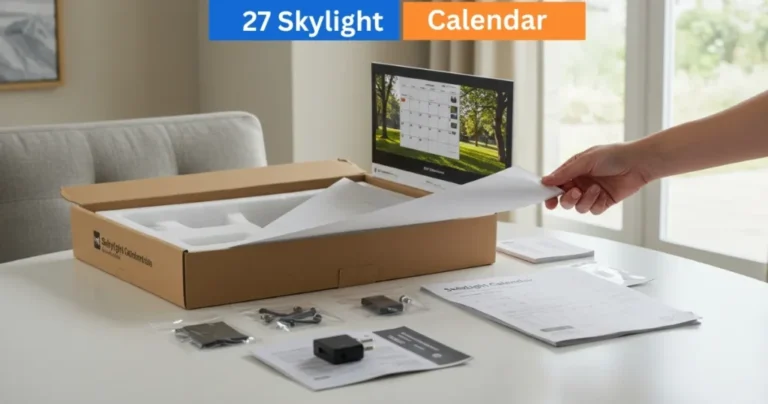
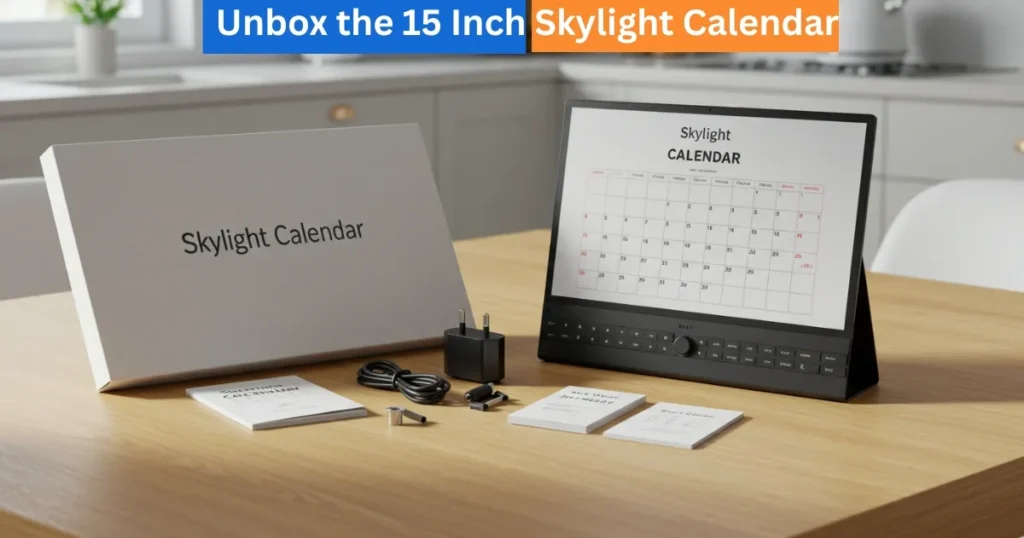
We will be taking you through the entire unboxing and installation process of your 15 Skylight Calendar, including what is in the box and how to set it up on your counter or wall. It is a hassle-free, high-tech and fun experience that is comparable to the act of unwrapping a smooth Apple product.
Amazon Affiliate Disclaimer
https://digicalendars.com participates in the Amazon Services LLC Associates Program, an affiliate advertising program designed to provide a means for websites to earn fees by linking to Amazon.com and other affiliated sites. As an Amazon Associate, we earn from qualifying purchases made through the links on our website. This does not affect the price you pay your support simply helps us maintain the site and continue offering honest, valuable reviews and recommendations.
Best Digital Calendars
Digital Calendars
Installing the Calendar on the wall
Want a more permanent and less-bulky appearance? The 15 Skylight Calendar may also be hung on the wall good in the kitchen, the office, or the door.
You’ll need:
- A Phillips-head screwdriver
- A drill with a 1/4″ drill bit
Steps:
- Mounting bracket Holding the mounting bracket against the wall and indicate the screw holes.
- The bracket should also be perfectly straight so use a level.
- Using the holes that you have marked, drill 1/4″ holes at the locations that you have marked and install the plastic anchors that are provided.
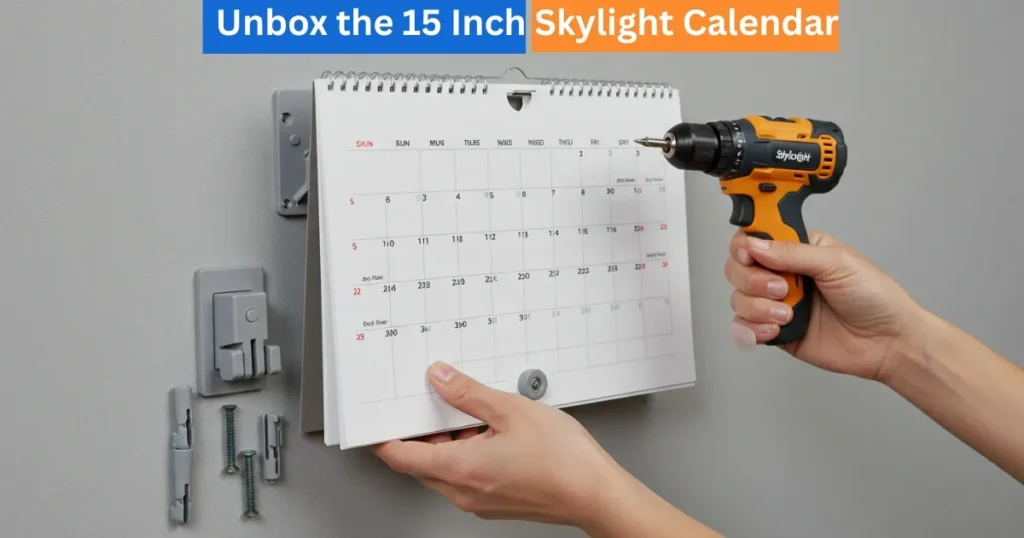
Install the screws attached to fix the bracket to the wall
- Ensure that the pleat of the bracket is upward and facing you.
- Insert the power cable to the calendar.
- Position the grooves in the calendar that are at the top and fit the bracket.
- Lastly, insert the other end of the power cable in the adapter and attach it to an outlet.
Your 15 Skylight Calendar can be displayed in portrait or landscape position, according to your taste.
Best Digital Picture Frames
Fitting the Skylight Calendar on the Wall
To achieve smooth and permanent appearance, 15″ Skylight Calendar can be fixed on the wall in either kitchen or office or close to a door. To start with, you will need a Phillips-head screwdriver and a drill with a 1/4 distillate drill bit. The mounting bracket should be held against the wall, the screw holes should be marked and the bracket must be at right angles.
Installation of the Bracket and Calendar
Insert the plastic anchors provided by drilling 1/4″ holes at the point of markings. Insert the screw into the bracket and ensure the pleat is upwards. Connect the power cable with the calendar, push the top grooves to the bracket, and then insert the other end. The calendar would come in portrait or landscape mode.
How to Use Digital Calendar’s Features – Complete Guide
How to Use Digital Calendar’s Features 2 – Complete Guide
FAQs of How to Unbox and install Digital Calendar
Conclusion
The process of unboxing and installing the 15 Skylight Calendar is a smooth process that is convenient and fashionable. The calendar fits in perfectly with your home, whether sitting on a counter or on the wall, as an easy-to-use, family-friendly scheduling, meal planning and reminder center. With high-quality packaging, convenient installation, and a wide range of flexible positioning, all these details are designed to make your life easier and keep your family in order.