How to Change the Calendar View in Settings on Dragon Touch

Learn how to Change the Calendar View on Dragon Touch or eCalendar frame view adjust days, start week on today, and enable reminders for perfect scheduling.
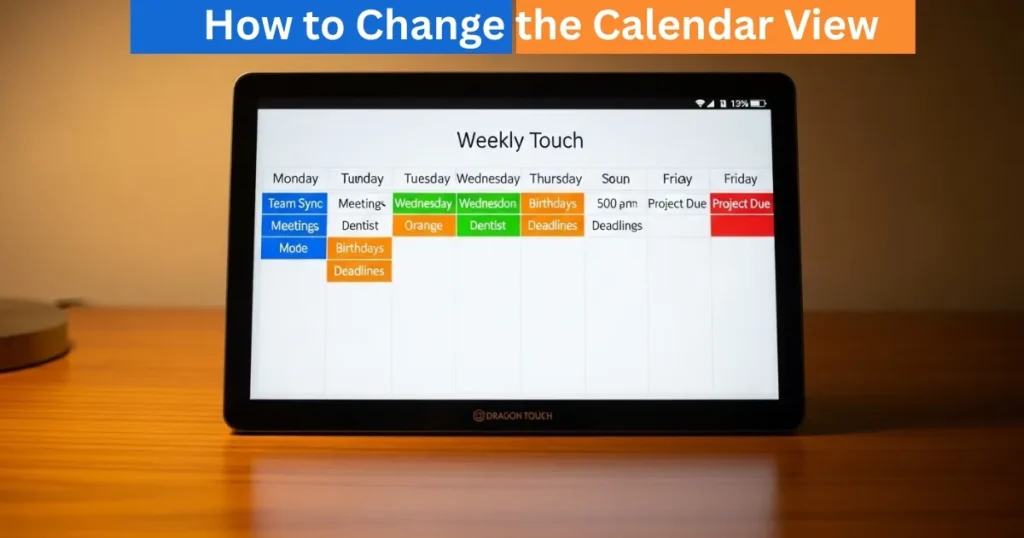
Your eCalendar digital calendar frame or Dragon touch will enable you to personalize the way your calendar looks. The calendar view settings will make sure that the important events, schedules, and reminders will be displayed in the most convenient and efficient way to you and your family. You can choose to see the schedule per day, per week, or per multi days and the Settings menu offers various options to make the calendar more structured and easy to use. This guide will take you through the steps that you need to follow.

Step 1: Change the Schedule View Number of Days
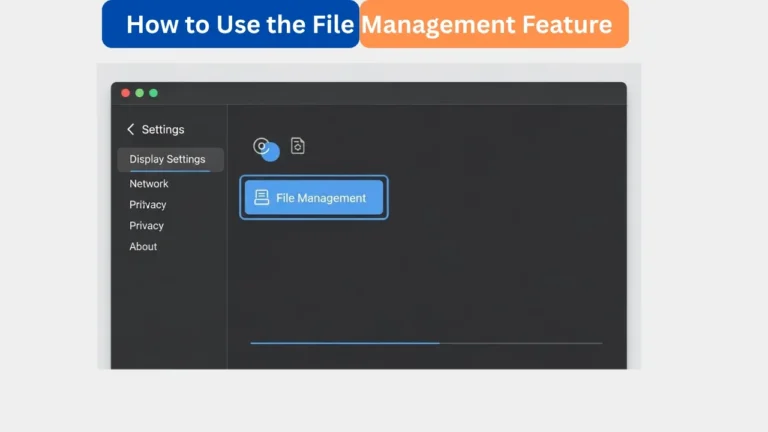
The initial process to customize your calendar view is to set the number of days that you would like to view in your schedule view. Click on your calendar frame, and click on Settings – Calendar View. You will be able to choose how many days you want to show, and you will have a better view of your upcoming events. You can fit this to either have a small screen to look at quickly or a bigger one to organize your week in the most effective way. This feature is particularly handy with busy families or busy employees that want to handle several events simultaneously.
Amazon Affiliate Disclaimer
https://digicalendars.com participates in the Amazon Services LLC Associates Program, an affiliate advertising program designed to provide a means for websites to earn fees by linking to Amazon.com and other affiliated sites. As an Amazon Associate, we earn from qualifying purchases made through the links on our website. This does not affect the price you pay your support simply helps us maintain the site and continue offering honest, valuable reviews and recommendations.
Best Digital Calendars
Step 2: Choose Week View Starting Day
The default calendar also has the week view beginning on Sunday. You can customize this setting in case you want to have the week begin on the present day. Open Settings – Calendar View – Week View Start and choose Today. This will set the display of the week to start at the present day always making you concentrate on what is going on at the moment without having to scroll back and see what happened in the previous days. This option is excellent to organize the future and to prevent the absence of meetings.
Best Digital Picture Frames
Digital Calendars
Step 3: Have a Starting Day of the Schedule View
Just like the week view, the schedule view may also be configured to begin with the current day rather than Sunday. Click on Settings – Calendar View – Schedule View Start and change it to Today. This is to make sure that you have the most important events of the day always indicated in your schedule display before it is either too late to notice what is coming up next. This customization will give you a more intuitive look when planning on a daily basis and your calendar will stay organized as per your needs.
Step 4: Activate Event Reminder and Notifications
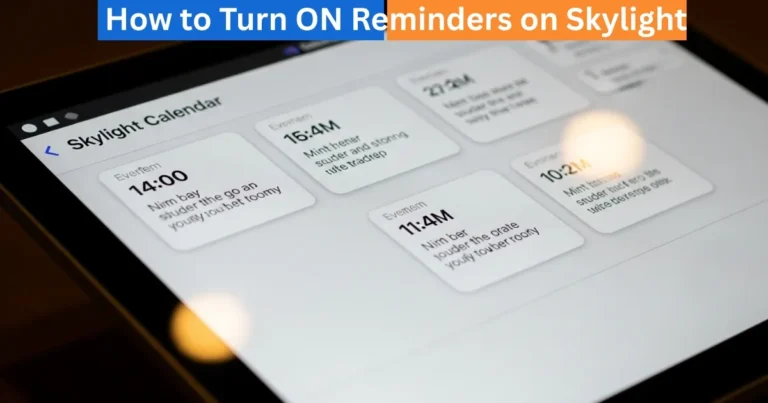
Event reminders are one of the most significant characteristics of your digital calendar. You can turn on the notifications of all the events in settings – Calendar View – Reminders. You are able to select the number of minutes that you need to be reminded before an event so that you have time to prepare. Moreover, it is possible to turn on sound notifications, which means that your frame sounds when a certain event is going to take place. You can have these reminders on all events, so that you will never miss an appointment, meeting or even family activity.
How to Use Digital Calendar’s Features – Complete Guide
How to Use Digital Calendar’s Features 2 – Complete Guide
FAQs : How to Change the Calendar View
Conclusion
With the help of the settings in the calendar view in your Dragon touch or eCalendar digital frame, you can regulate your schedule effectively. You can manage the number of days in the schedule view, the day of the week and schedule view starting day, and the sound notification of reminders and you are guaranteed of having your events planned and easily reachable. This simplifies the process of families and professionals keeping track of appointments and activities. The properly set calendar will help you stay stress-free in your daily planning, increase productivity, and not miss any significant event.