What Calendar Software can I use to view Weather on my Skylight Calendar?
Learn how Skylight Calendar shows local and weekly Check Weather Updates forecasts, lets you switch temperature units, and plan events with accurate updates
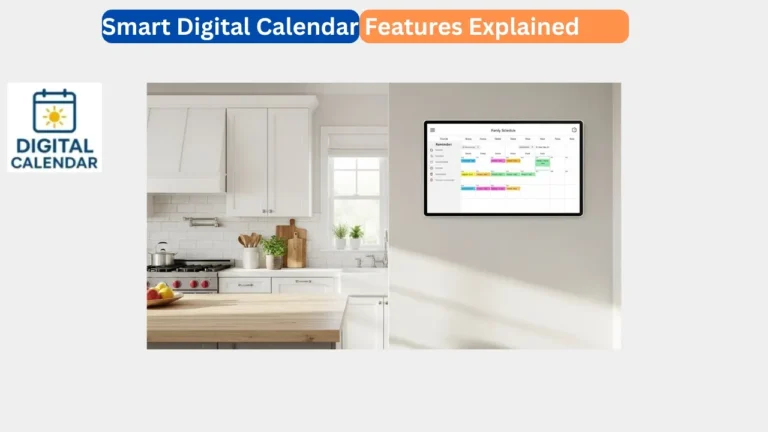
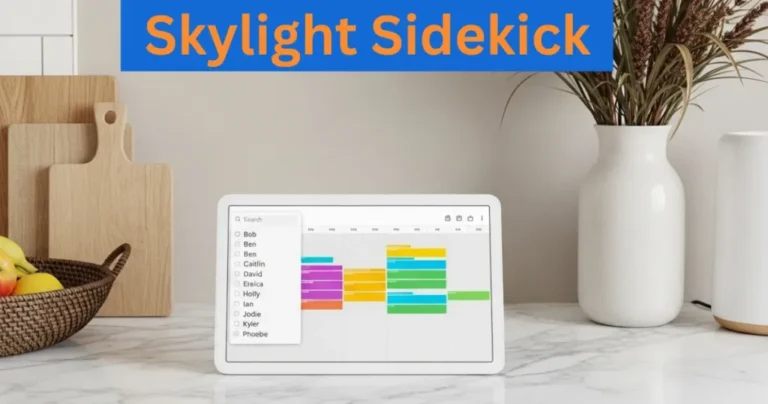
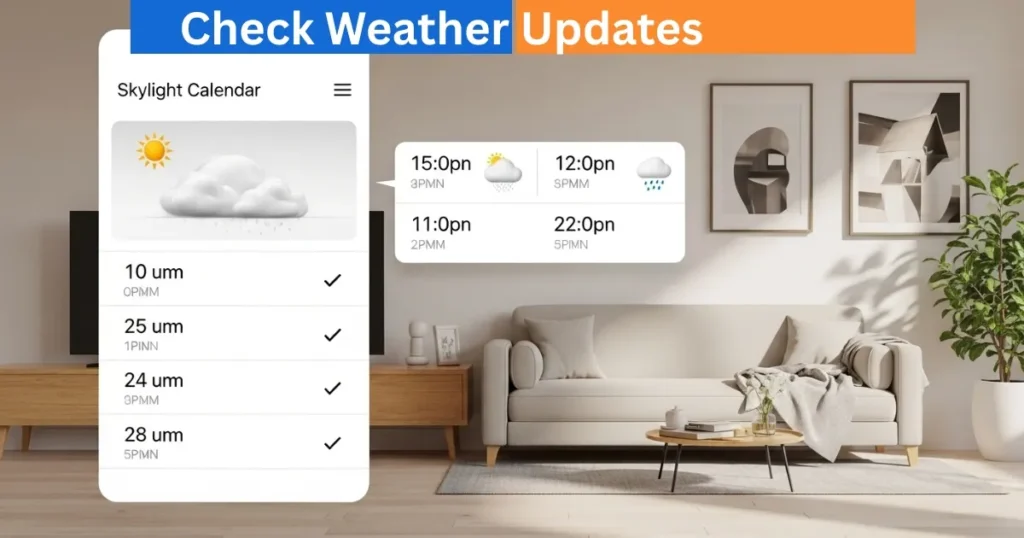
Your Skylight Calendar provides an easy access to the local weather conditions. The device lets you know the temperature and the weather of your location right on the information bar at the top of the screen. The feature enables you to organize your daily plans, appointments, and family engagements without having to have a weather application.
The Skylight digital calendar also displays the predicted weather of the upcoming events giving a concise view of the weather in the next week. The weather feature of the calendar will help you to be ready to changes in weather and make a more reasonable decision everyday.
Amazon Affiliate Disclaimer
https://digicalendars.com participates in the Amazon Services LLC Associates Program, an affiliate advertising program designed to provide a means for websites to earn fees by linking to Amazon.com and other affiliated sites. As an Amazon Associate, we earn from qualifying purchases made through the links on our website. This does not affect the price you pay your support simply helps us maintain the site and continue offering honest, valuable reviews and recommendations.
Best Digital Calendars
Weather in the Skylight Mobile App Viewing
The Skylight mobile application also shows the weather based on your calendar appointments. Once you open the event information in the app, the weather forecast is displayed of any event planned within seven days. The prediction is based on sound address of the event venue, so that there is correct local climatic conditions. People may easily monitor the temperatures and the conditions without leaving the house or organizing actions. With this integration, it is easy to keep abreast when you are on the road and you can be assured of a consistent weather information on your calendar device as well as in the mobile app.
Digital Calendars
Default Weather Preferences and Temperature Unit
To show temperatures in Fahrenheit, the Skylight Calendar will automatically show the temperature in Fahrenheit, whereas international addresses will show temperatures in Celsius. Nonetheless, users can at will change between Fahrenheit and Celsius no matter where they are. It gives flexibility to the families as they can select the unit that they feel more at ease with.
Information and weather symbols on your calendar will be dynamically shown according to your preferences and will give you a straightforward and visually explicit way of tracking the weather in your area. The right unit will make sure that you plan your events, chores, or outdoor activities on the right calendar device.
Best Digital Picture Frames
Adding Your Physical Address for Accurate Weather
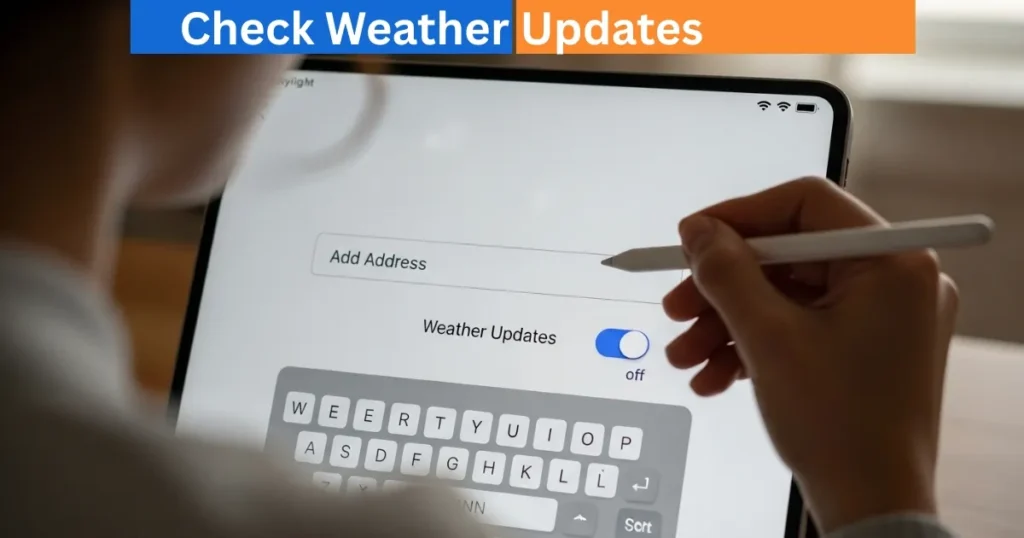
Weather is by default estimated based on the place based on IP address. You may also add your physical address on the Skylight Calendar device so that the address can be typed during entry. Go to the Settings tab, and choose Enter an address to get more precise weather information and choose your country and enter your address in the search box.
Tap Done and select the right address in the list. This makes sure that the present conditions and the predictions to be made about future events are accurate and thus you can plan better on activities done outside and family outings among other events which are sensitive to the weather conditions in the area.
Watching Weather Forecasts of Future Events
The Skylight Calendar can also show weather forecasts of the events that are to be held within the upcoming seven days. One can tap an event in the calendar to see the forecast of that particular event. The prognosis will display the pertinent weather information, such as temperature and conditions provided there is a valid address typed.
It comes in handy especially when organizing outdoor events, school events or family outings. Forecast visibility also ensures that whatever is happening goes on without interference by any weather that might have come and you can be at peace of mind and be able to make informed decisions.
How to Use Digital Calendar’s Features – Complete Guide
How to Use Digital Calendar’s Features 2 – Complete Guide
FAQs
Conclusion
The Skylight Calendar weather feature enables the user to have a convenient means of tracking the current and future weather forecasts to ensure that family events and daily schedules come together in a meaningful manner. Setting a physical address, users receive accurate weather forecasts regarding the current weather and the events to come.
The fact that it is calendar-based, and integrates with a mobile application, enables easy planning, so wherever you go, you are informed. The ability to set the temperature units to order, transparent visual icons, makes Skylight Calendar a potent tool in order to maintain schedules and keep pace with the evolving weather conditions.