How to make an account on eCalendar App to your Dragon touch digital calendar.
Learn how to create and link your account on eCalendar App with your Dragon Touch Digital Calendar for easy event syncing and better time management.
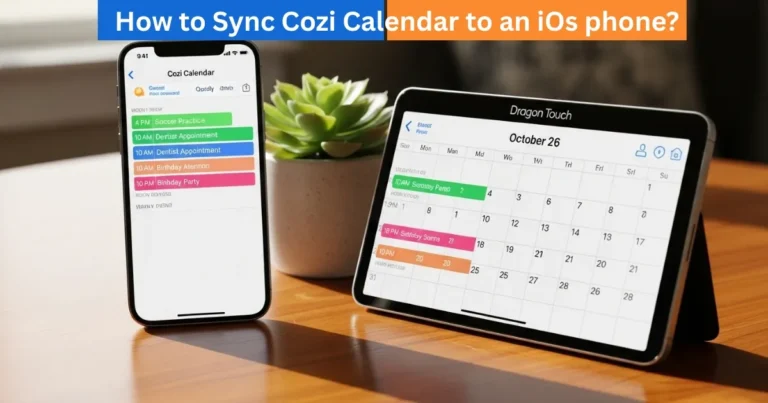
The Dragon Touch Digital Calendar is compatible with the eCalendar App, which means that you can organize your events, notifications, and schedules on your mobile phone. The first thing is to have an account with the Calendar App, by having an account you can sync your calendar, connect various devices and manage your schedule anywhere. With or without a new frame of the calendar, it is easy to create an eCalendar account, which can be done in a few minutes.
The Reason You Should Have an eCalendar Account

An eCalendar account is important to create because of a number of reasons. First of all, you can attach your Dragon Touch Calendar frame, so that all your information that will be typed on your mobile application or on your calendar device will be synchronized. Second, an account offers cloud back-up, i.e. your activities and habits are not lost in case of resetting or changing your device. Lastly, the account allows support of multiple devices, therefore, family members or co-workers can remain connected with the same calendar details in real time.
Amazon Affiliate Disclaimer
https://digicalendars.com participates in the Amazon Services LLC Associates Program, an affiliate advertising program designed to provide a means for websites to earn fees by linking to Amazon.com and other affiliated sites. As an Amazon Associate, we earn from qualifying purchases made through the links on our website. This does not affect the price you pay your support simply helps us maintain the site and continue offering honest, valuable reviews and recommendations.
Best Digital Calendars
An eCalendar Account Step by Step Guide
To make your account and customize your calendar, follow the following steps:
Step 1: Open eCalendar App and Sign up
Open eCalendar App in your mobile phone. On the login page, the option to create a new account is the Register button. This will take one to the account creation page.
Step 2: Enter Your Information
Enter your email address, password, and your name. Your email will act as your login ID and therefore ensure it is active and available. To be safe, your password should contain 8-20 characters and should consist of a mix of letters, numbers and special characters. When the password fails to comply with the requirements, the button of the creation account will be grayer or a message will be displayed requiring you to include special characters.
Step 3: Select the way to bind your calendar frame.
You can either bind a new frame or bind an existing frame.
- Tying a new frame: Type in a name of your new calendar frame. This name will identify your device on the application, and enable you to control several frames in case it is necessary.
- Binding a frame that already exists: Type in the original name of the current calendar frame. This connects the app to the frame to have your events, tasks and routines syncing together.
Best Digital Picture Frames
Step 4: Finalize the Registration
Tap create account after filling in your information and your binding option. You have just been logged into your eCalendar account and your Dragon Touch Calendar frame is now set to be synchronized. You can also add events, reminders, tasks, and routines immediately and they will be displayed on your mobile application and your calendar frame.

Digital Calendars
Tips for a Smooth Setup
When configuring your mobile device, make sure it has Wi-Fi connected so that it will be able to sync faster.
- You should use a different frame name so that you do not mix it up with the other calendar frame you may have in your home.
- Your email and password are important to keep safe since you will need them to access your account when using new devices or when it has been reset.
- Also update the eCalendar App on a regular basis to get the latest features and fixes.
How to Use Digital Calendar’s Features – Complete Guide
How to Use Digital Calendar’s Features 2 – Complete Guide
FAQs
Conclusion
The first thing to do before unlocking the full potential of your Dragon touch digital calendar is to create an account on the eCalendar App. Registering and connecting your calendar frame helps to keep in real-time all events, reminders, and routines, manage many devices, and make sure that your schedule is always correct and available. By following the above simple steps, you would be able to start using it soon and have a fully connected calendar experience at home or anywhere.