How to Share a Digital Calendar with Family Members
Learn how to share a digital calendar with family members to manage schedules, events, reminders, and daily routines more efficiently.
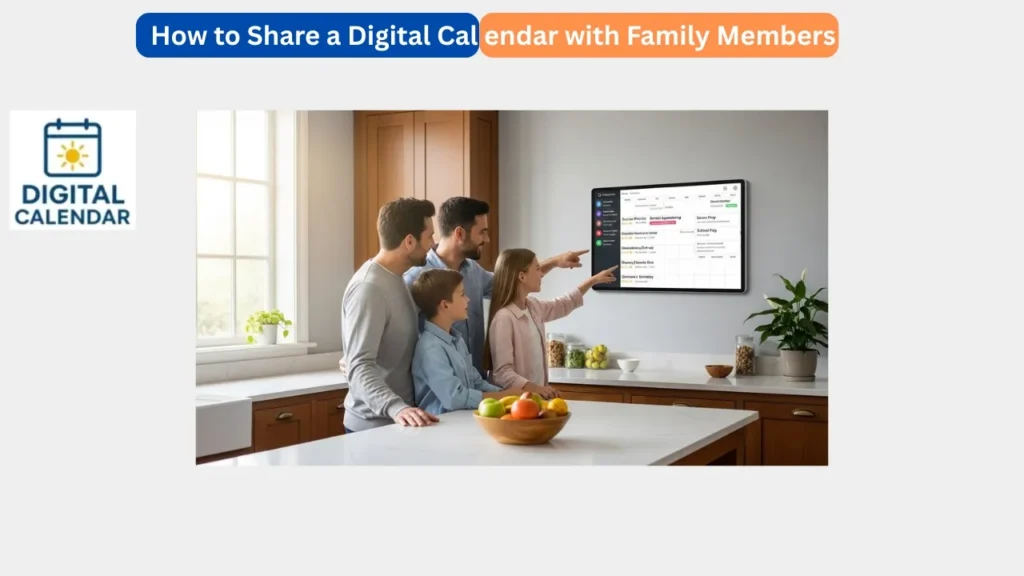
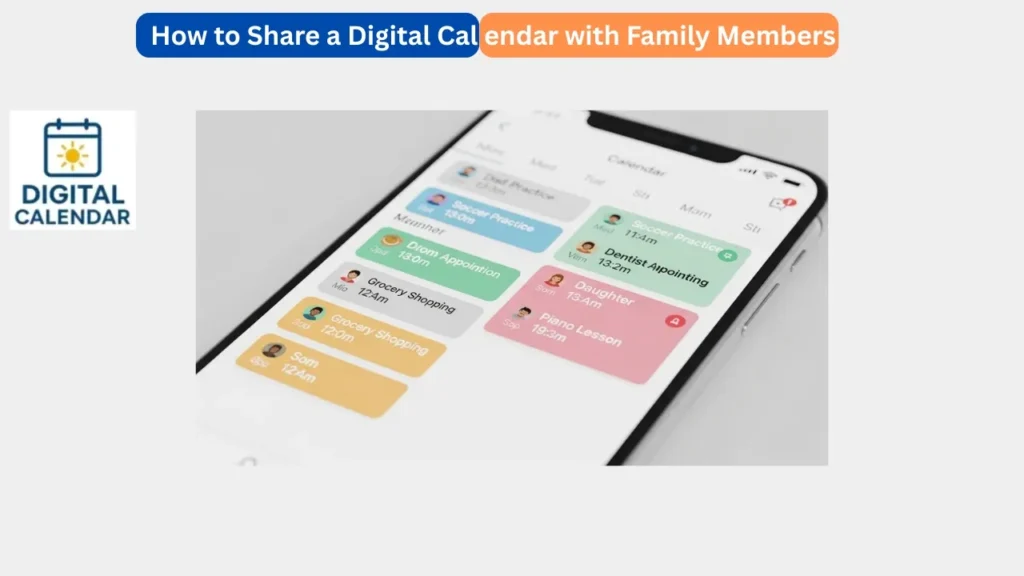
The best way to enhance communication and organization in the home is to share a digital calendar with family members. In a contemporary home, all people have their various schedules including work, school time, appointments and socializing. Failure to share these plans in a clear manner usually causes confusion, missed events or last minute stress. This issue can be resolved through a common digital calendar that will keep all people updated in a single location.
Rather than reminding each other or sending a number of messages, family members can merely look at the shared calendar. The updates are instant, and therefore everybody is always informed of the latest information. Such transparency leads to improved coordination, less misunderstanding, and an easier and more relaxed way of life among families.
Amazon Affiliate Disclaimer
https://digicalendars.com participates in the Amazon Services LLC Associates Program, an affiliate advertising program designed to provide a means for websites to earn fees by linking to Amazon.com and other affiliated sites. As an Amazon Associate, we earn from qualifying purchases made through the links on our website. This does not affect the price you pay your support simply helps us maintain the site and continue offering honest, valuable reviews and recommendations.
The Right Digital Calendar to Share with Family
It is necessary to select a digital calendar that allows access by family before sharing. Favorite apps such as Google Calendar and Apple Calendar, as well as family-oriented smart digital calendars, enable more than one person to see and edit the schedule. Novices ought to select an easy-to-use calendar that is compatible across the gadgets of all the family members.
A family calendar must be able to support a common access, reminders, and phone, tablet, and wall display synchronization. There are also some calendars that have various levels of permissions, and this is handy to parents who may desire total control but leave children with view-only permission. The selection of an appropriate platform simplifies the sharing process and eliminates the technical issues in the future.
Best Digital Calendars
Step by Step: How to Share a Digital Calendar
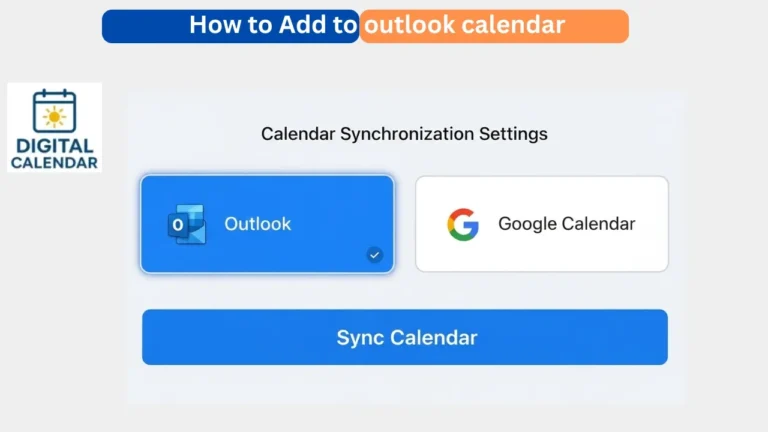
To share a digital calendar, open your calendar application or electronic calendar preferences. Search within an option like share calendar, add people or calendar settings. Add contact details of family members that you would like to share calendar with. They will be invited to join most of the systems.
Upon accepting the invitation, the family members will be allowed to access the shared calendar. They can add, edit, or even view events depending on the settings. It is an easy process that can take just a few minutes even by those with little experience. Once it is set, updates are automatically synchronized across devices.
Allocating Access to Family Members
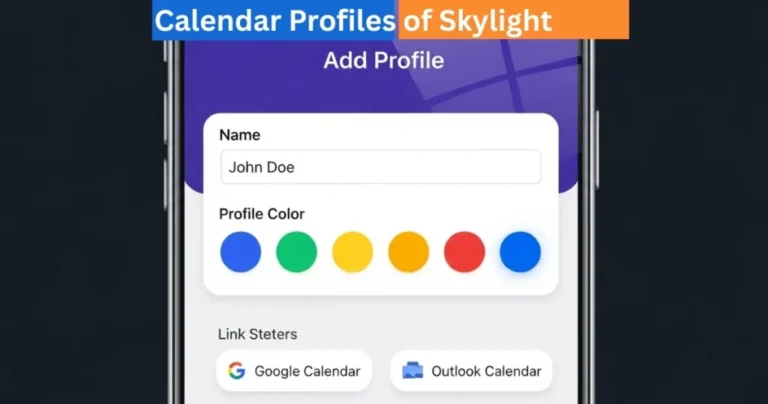
One of the elements in sharing a digital calendar is to set the proper permissions. There are those members of the family who might require full editing privileges and those who would just require viewing of events. As an illustration, parents might desire to control the schedule whereas the children just have to view their activities and reminders.
Permission is easily controlled in most digital calendars. You are allowed to have control over those who have access to add events, edit an event, or merely view the calendar. This control avoids accidental modifications and makes the schedule arranged. Appropriate permission can make sharing useful but not messy.
Digital Calendars
Including Family Events, Chores and Routines
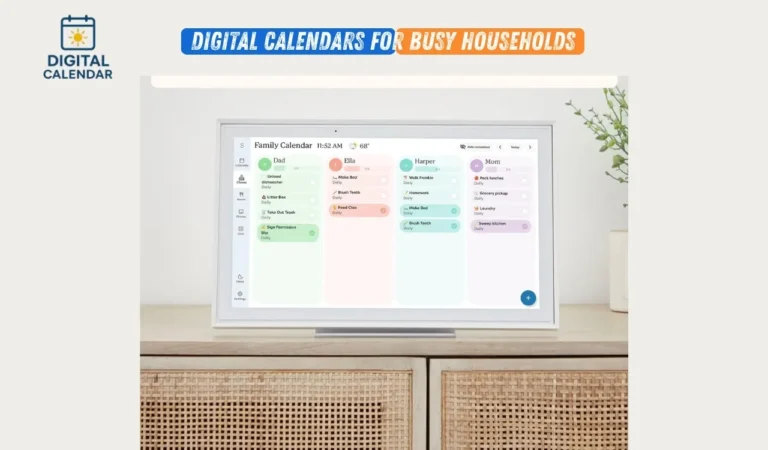
After the calendar has been shared, families can begin adding significant events like school events, appointments, birthdays and family outings. Digital calendars can also be used to organize the daily routine such as chores, homework hours, and meal planning. These tasks may be added to the calendar to make it clear to everyone about their responsibilities.
Accountability is enhanced when everyone knows what is going on and what tasks need to be done. Children are aware of what they are supposed to do and parents do not have to repeat the same things to children in order to monitor routines. In the long run, this common system will develop more desirable habits and a more structured house.
How to Use Digital Calendar’s Features – Complete Guide
How to Use Digital Calendar’s Features 2 – Complete Guide
Reminders to Keep Everyone on Track
One of the strongest properties of a common digital calendar is reminders. Notifications about events or tasks may be given to family members prior to the events or tasks on their phones or other devices. These alerts will minimize the aspect of forgetting and make everyone ready in advance.
As an example, school pickup times, doctor visits or weekly household chores can be set as reminders. The various people can have different reminder times in case they are required. This flexibility guarantees that everybody is not inundated with verbal reminders as they constantly remain informed making everyday life much easier.
Synchronizing Shared Calendar between Devices
A common digital calendar is best achieved through synchronizing all the family devices. This is in the sense that events that are added to one phone are immediately visible on other phones and on any digital calendar display at home. Synchronization helps to make sure that all people always have the latest schedule.
Working together requires the family members to simply log in with the same calendar account or grant the shared invitation to their devices to allow them to sync. This synchronization in real-time is particularly handy when the schedules of the family members are not fixed and they see updates automatically.
Digital Calendars
The Problems of Common Sharing and the ways to resolve them
There are cases when the family members do not receive updates or reminders as anticipated. Most of the problems are related to the refusal of invitations, switching off notifications, or false account logins. All these issues can be easily corrected by verifying calendar settings and permissions.
Rebooting the app or the device and having internet connectivity is also beneficial in solving most of the problems. Maintaining the calendar application enhances the performance and compatibility. Shared calendars tend to be working and reliable with minimal troubleshooting.
The Best Practices in the management of a Family Shared Calendar
Families need to use clear names of events and similar categories to maintain a common calendar. Be organized by clearing outdated schedules and clean up. The calendar should be reviewed on regular basis together so that everybody is on track.
It is also useful to check the calendar daily, i.e. in the morning or evening. This routine keeps everybody informed about what is to happen. Good calendar practices make the common digital calendar a strong family management factor.
FAQs
Conclusion
Being able to share digital calendar with family members is a very easy but effective solution to organize, improve communication and routine. With the creation of access sharing, permission management, and the application of reminders, families can be kept on track with each other and alleviate daily stress. A common online calendar will transform personal schedules into a family plan, and all members will be aware of what to do and when to do it. This is among the most ingenious ways of establishing order, balance and harmony in the house to busy households.